Click on the version you need to find out more.
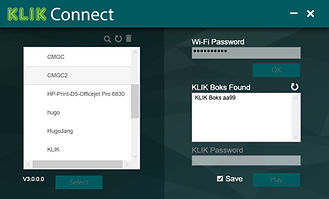
Install the KLIKConnect app for your device and enjoy enhanced security, connectivity and usability:
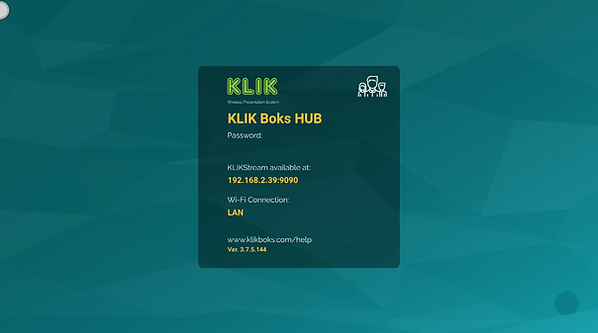
Connect by IP address on restricted networks
Manage meetings with Moderator Mode
Restrict access with a Password
KLIK supports streaming from major device platforms using a variety of protocols, for app-free use:
Windows “Project my Screen” mirroring support
Android “Cast” screen mirroring support
Mac & iOS “AirPlay” screen mirroring support
Chrome OS using the Cast function in the Chrome Browser
Simple, Intuitive, Powerful
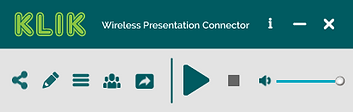
KLIK’s app makes sharing your screen easy.
Just press Play!
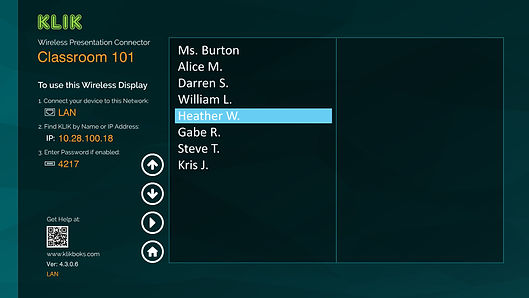
Connection instructions areright on the screen!
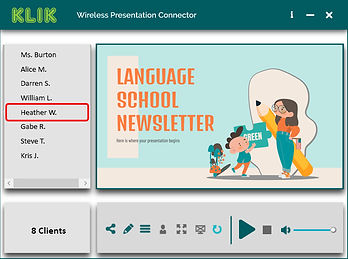
Easily manage connections for all of your presenters, with exclusive screen preview functionality.
See who’s connected and ready to present, right on the big screen.