Wireless Screen Sharing for Chromebook

Share your Chromebook screen to KLIK

KLIK Knkt for Chrome integrates Chromebooks into the KLIK wireless presentation ecosystem with full connection management and password security support.

KLIK Knkt for Chrome gives you control over who can access the screen, with integrated password login and full compatibility with Conference mode.
Get it FREE from the Chrome Web Store:
Click icon to download

Full featured Wireless Screen Sharing

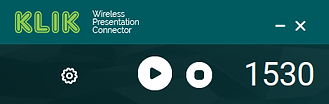
The Knkt player makes it easy for users to start and stop streaming from Chromebook.

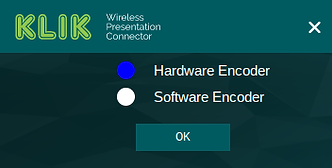
Knkt for Chrome OS can adapt to any Chromebook, by allowing you to choose hardware or software encoding for maximum performance.

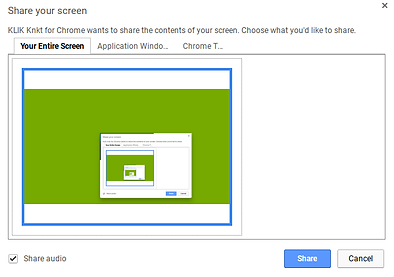
Share your entire screen (mirroring), a single application or a Chrome browser tab for the ultimate in presentation control.