

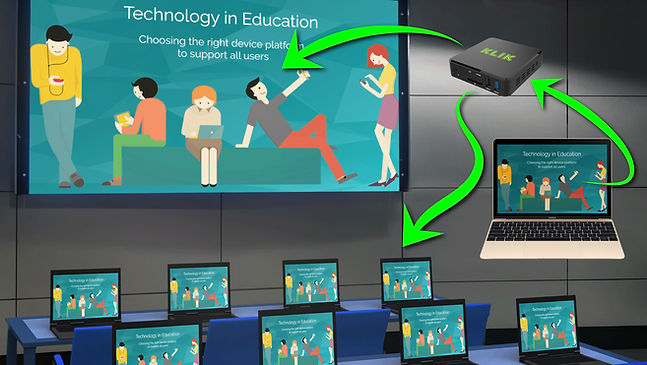
KLIKStream is designed to be used with slide presentations and the display of documents, web pages and other static images, not full-motion video. Users can select a screen refresh rate from 1 frame per second, to one frame per 60 seconds, with several steps in between. By default, the refresh rate is one frame every three seconds.
The reason for the slow refresh rate is to minimize the impact on the network and its available bandwidth. Since each doubling of connected user streams doubles the needed bandwidth, full-motion video could easily flood the network with traffic. The supplied refresh rates offer low latency in HD, allowing for clear viewing and capture of shared content.
Screen capture is built right into the KLIKStream web interface. Just click on the icon to save a screenshot of the displayed content with no additional software required. Note also that the KLIKStream screen capture utility automatically names the screenshot and saves it to the Downloads folder designated by the device’s operating system. All screenshots are saved with a date and time and numbered sequentially making it for users to capture screens without delays and to sort through the captured shots in chronological order at a later time.
Yes, KLIKStream works just like any other web page that is viewable through a browser, on all devices. The web page is responsive and will rotate when mobile devices are rotated and allow both full-screen and reduced viewing sizes as supported by the device and browser. Screen capture utility can vary by browser and/or device however, depending on security and accessibility settings on the device.