KLIKConnect V4 Now Available – Download for Mac
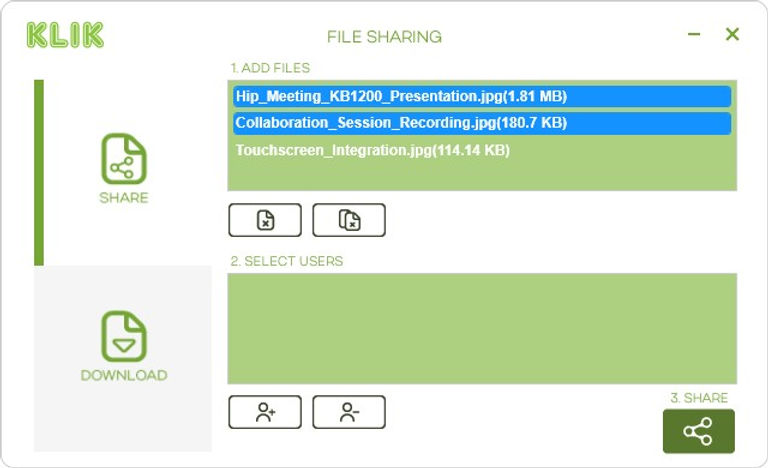
KLIKConnect for Mac brings a host of powerful collaboration features to Mac PCs. It starts with an integrated Discovery and Connection utility, KLIKStream remote viewing, Annotation & Whiteboard app, FileShare document sharing, and much more
Start a video call using the room screen, camera and audio system, wirelessly! KLIK lets you Bring Your Own Meeting (BYOM).
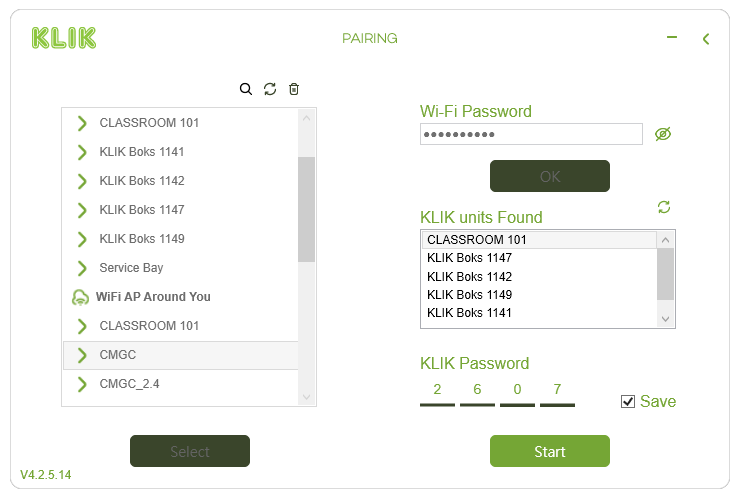
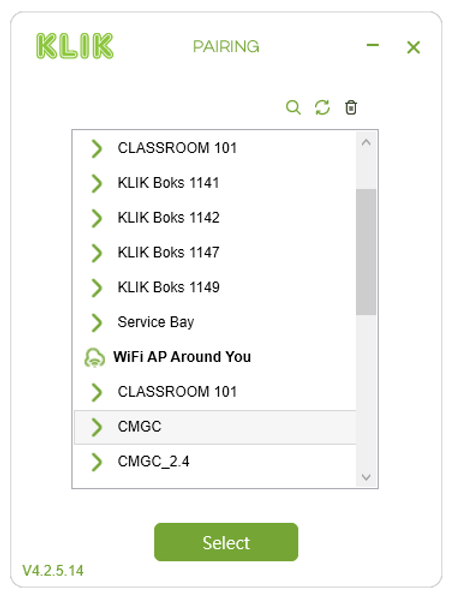
See all of the available KLIK devices and Wi-Fi networks in one window. Select, enter the passcode and start collaborating in seconds.
Automatically add devices and rooms to your favorites list for instant access next time.
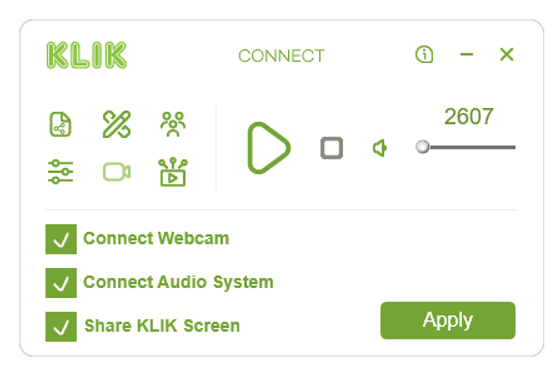
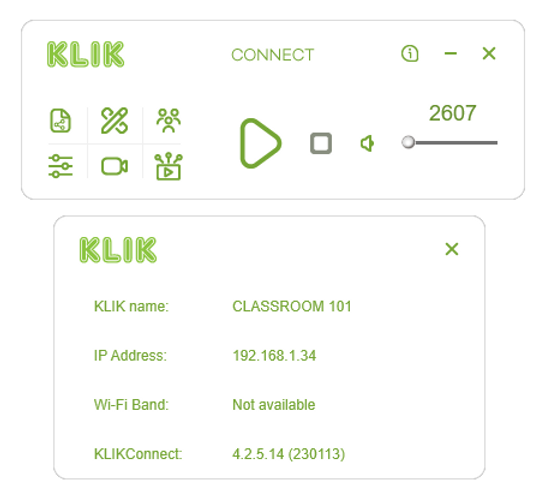
Press Play to start sharing your screen instantly. KLIK's media player format is simple and easy to use.
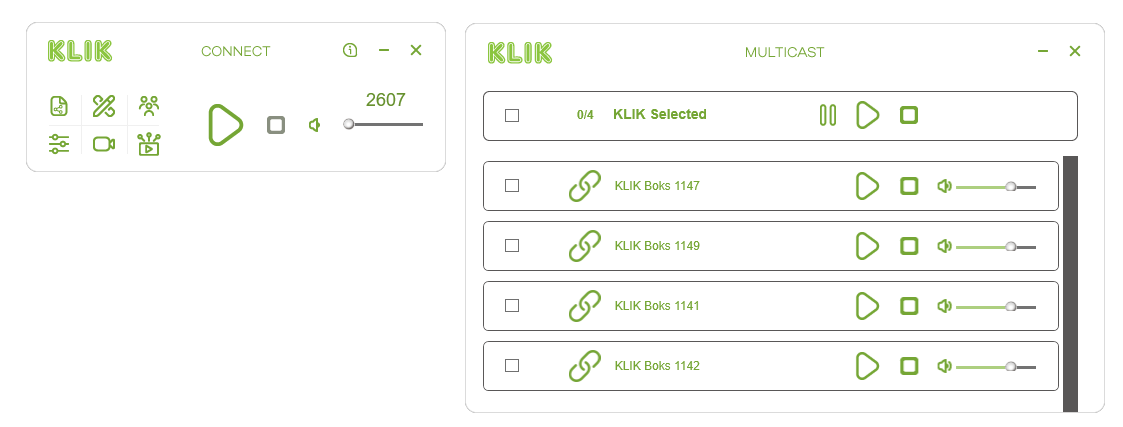
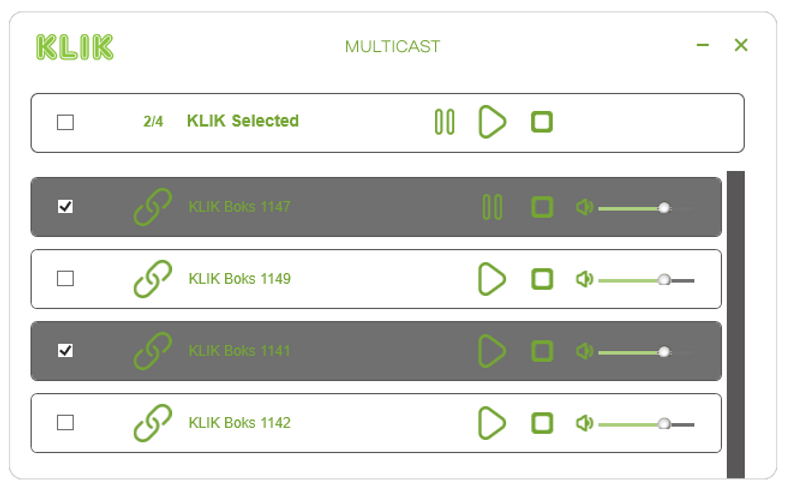
For Active Classrooms, Partitioned Meeting Rooms, or all-hands meetings, KLIK allows broadcast to one, two, or any number of KLIK devices at the same time.
Easily send content to any screen, and combine with content from other users in a split-screen view. KLIK includes a virtual video matrix at no extra cost.
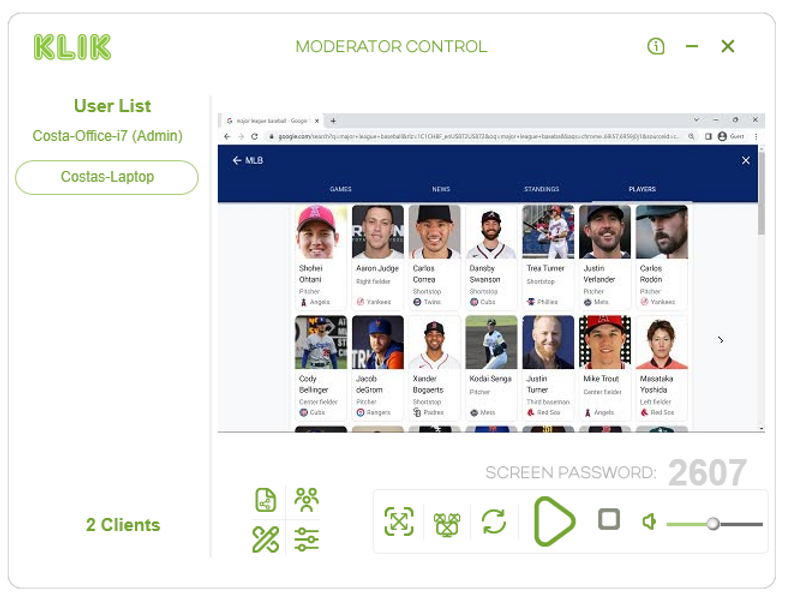
Take control of collaboration sessions with a live preview of user content and the ability to manage who can share their screen, and when. Works right from the KLIK app or any touch-enabled display.